

IMPOSSIBLE REALITYA giant in the city
Start from text, an image or a reference. Generate video and keep the result connected to the rest of your project.

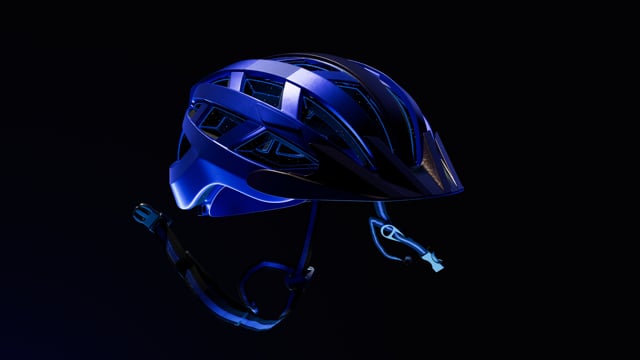
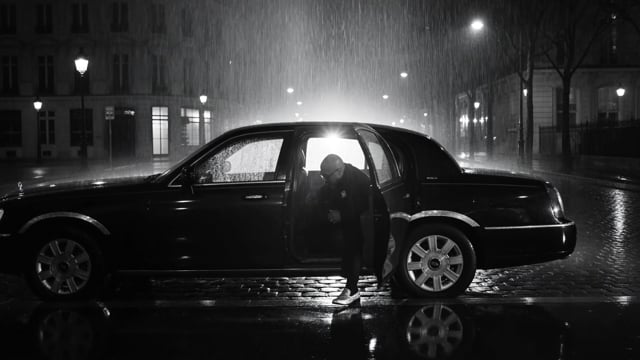
KAGE Auto brings video, avatar and source-frame models into one workflow.

KAGE Auto picks the right model for the task.
Use KAGE as an automatic route, a ready workflow, or a manual toolkit — without leaving the same project.
Describe the task. KAGE Auto identifies the type of work and suggests a compatible route and models.
Use ready Solutions for repeatable tasks such as product visuals, UGC, motion and content production.
Choose generation type, model, quality, references and available parameters manually.
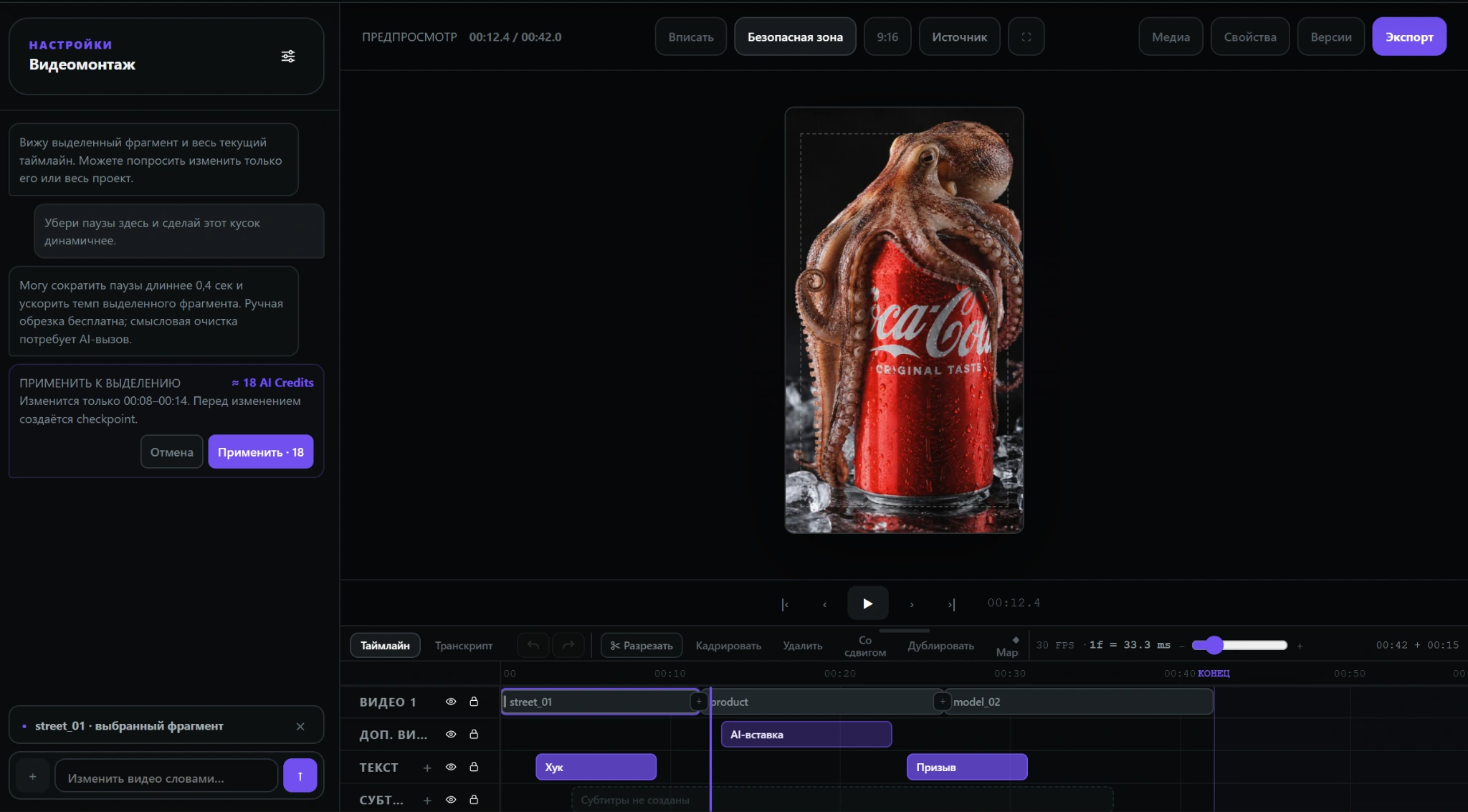 real screen
Start with the task and keep developing it in one project. KAGE keeps related assets and modes connected.
KAGE AI is in development. We are inviting the first group of users to test the product on real tasks before the public release.
Try KAGE AI before the public release.
More room for real working scenarios during testing.
We plan additional benefits for active beta testers.
Feedback from the first group helps set Studio priorities.
Some modes may roll out gradually as they become ready to test.
Shadows are KAGE’s bonus system. Earn them through payments and referrals, then use them for subscriptions and extra limits.
Part of your KAGE spend returns to your balance as Shadows.
Invite friends and earn additional Shadows from their activity.
Use accumulated Shadows for subscriptions and extra-limit packs.
Short answers about KAGE AI, its modes and the closed beta.