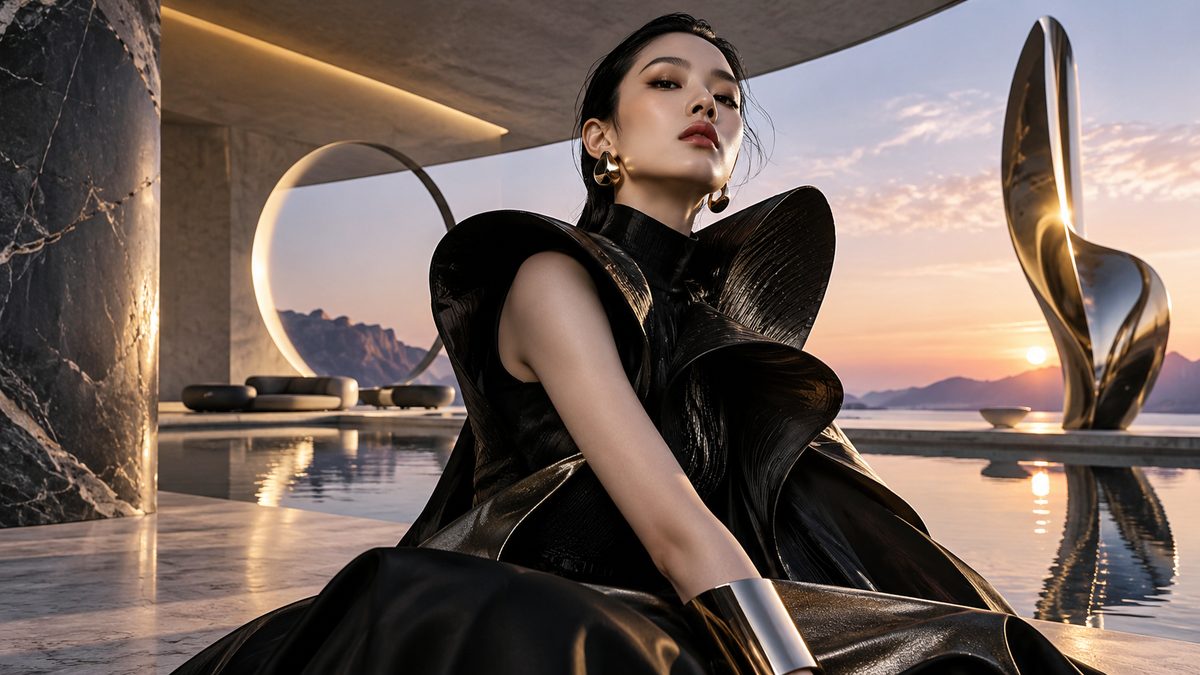
AI IMAGE GENERATOR

Create images. Keep the context.

Generate images from prompts, work with references and keep visual iterations inside the same project.
View interface
50+All AI tools
1All modes. One context.
9modes
KAGE AIAI image generator
KAGE AIAI video generator
KAGE AI3D / Design
From product shots to campaign visuals.
02 / HOW TO WORK

Three ways to work.
One AI workspace.

Use KAGE as an automatic route, a ready workflow, or a manual toolkit — without leaving the same project.

01 / KAGE AUTO

Automatic route

“I just want the result”

Describe the task. KAGE Auto identifies the type of work and suggests a compatible route and models.

Task · routing · launch
02 / SOLUTIONS

Ready workflows

“I know the result I need”

Use ready Solutions for repeatable tasks such as product visuals, UGC, motion and content production.

Ready workflow · less setup
03 / MANUAL

Full control

“I want to choose everything myself”

Choose generation type, model, quality, references and available parameters manually.
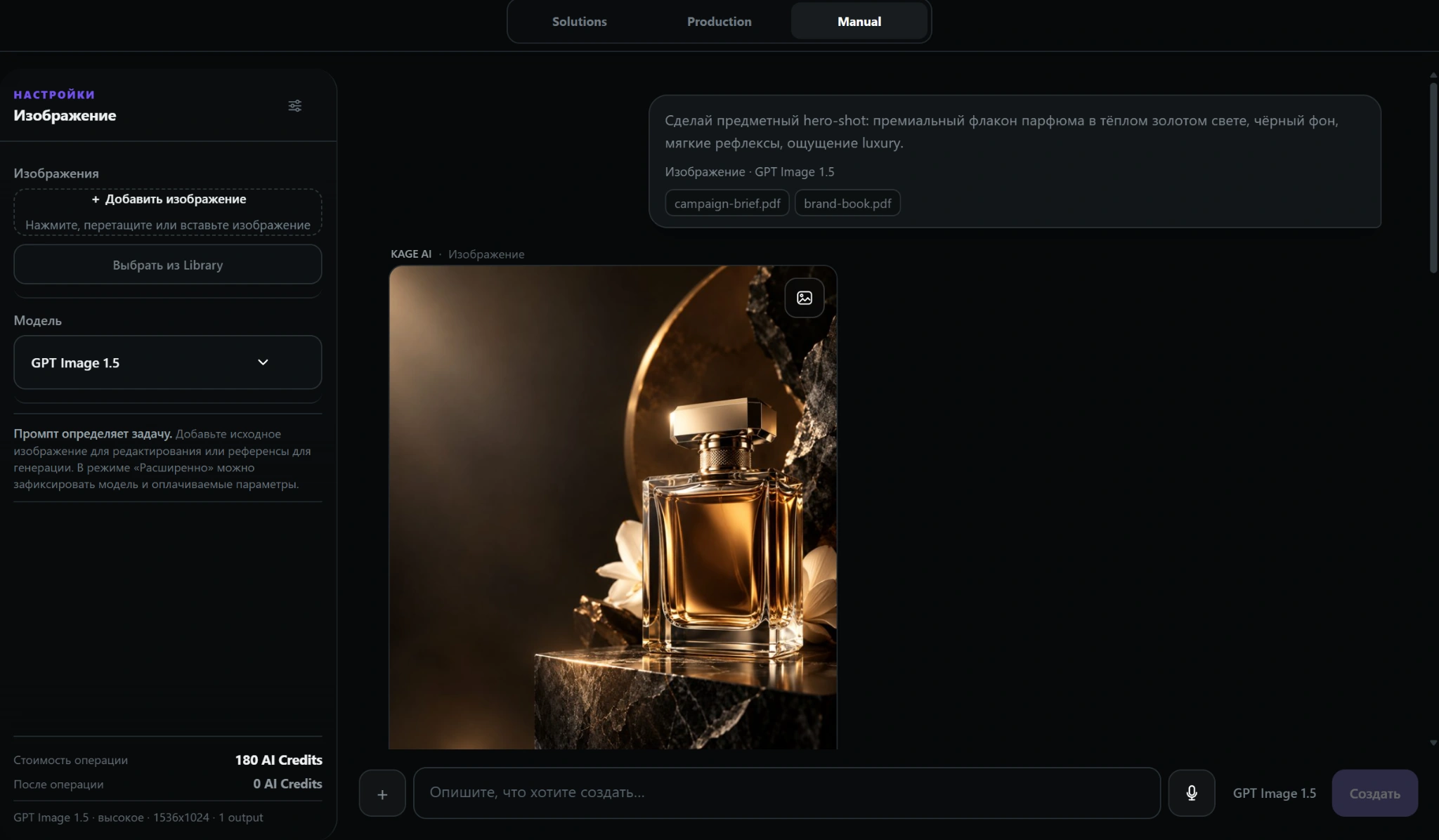
Model · settings · references
Everything stays inside KAGE.Projects, assets and history connect every stage in one workspace.
REAL PRODUCTAI image generator
Generate images from prompts, work with references and keep visual iterations inside the same project.
AI image generatorreal screen
04 / ONE PROJECT

One task should not live
across ten AI services.

Start with the task and keep developing it in one project. KAGE keeps related assets and modes connected.

01 / TASKDescribe the resultGoal, format and inputs.
02 / ROUTEChoose a way to workAuto, Solutions, Production or Manual.
03 / VISUALCreate imagesReferences, generations and edits.
04 / VIDEO & AUDIOContinue the contentMotion, editing and voice.
05 / WEB & CODEDevelop the resultLanding page, prototype or code.
06 / PROJECTCome back laterHistory and assets stay together.
KAGE keeps the working context connected between stages.Not “everything in one click”: you choose how much automation and control you want.
05 / RESULTS

Different tasks.
One workspace.

Visual generation is only one part of KAGE. The same environment also covers video, audio, web, chat and code.

AI image generatorAI video generatorAI voice generatorWebAI coding assistant
Examples show the visual side of the product and connected workflows.
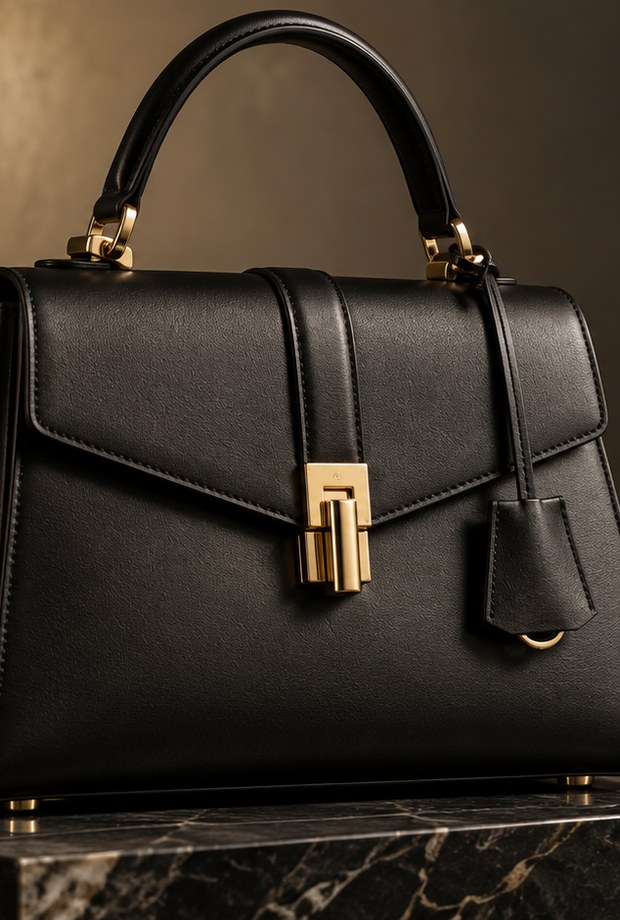
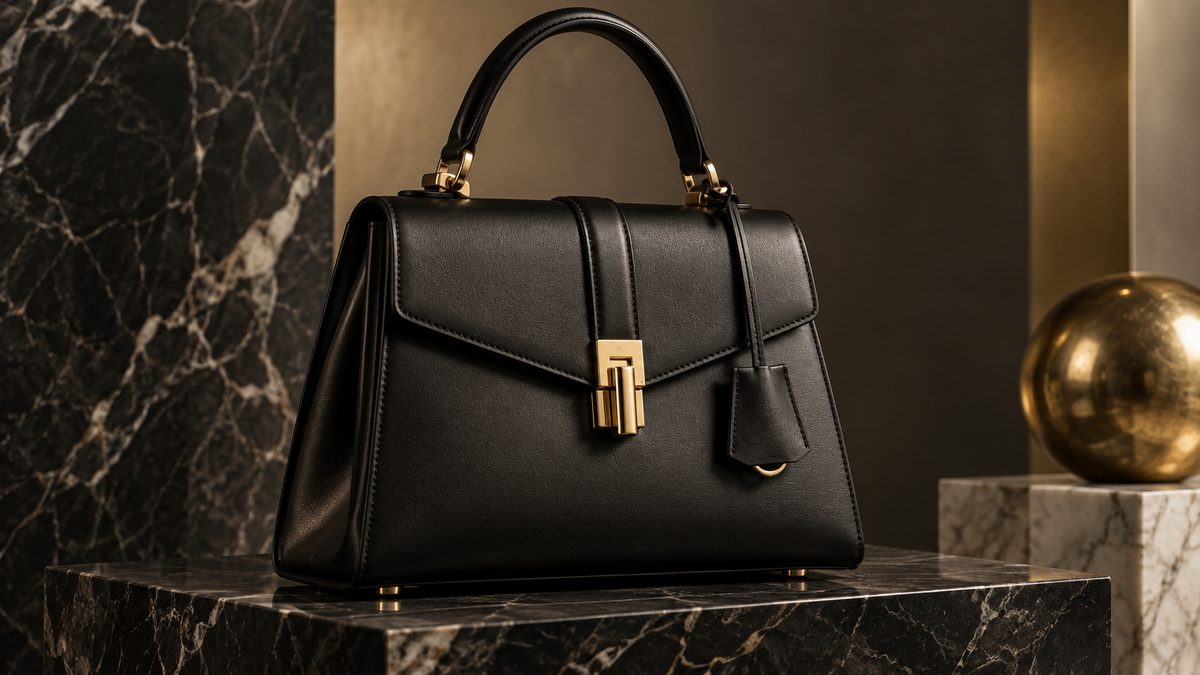
Product shotPRODUCT
Product shotproduct • kage
Campaign creativeAD
Campaign creativecreative • kage
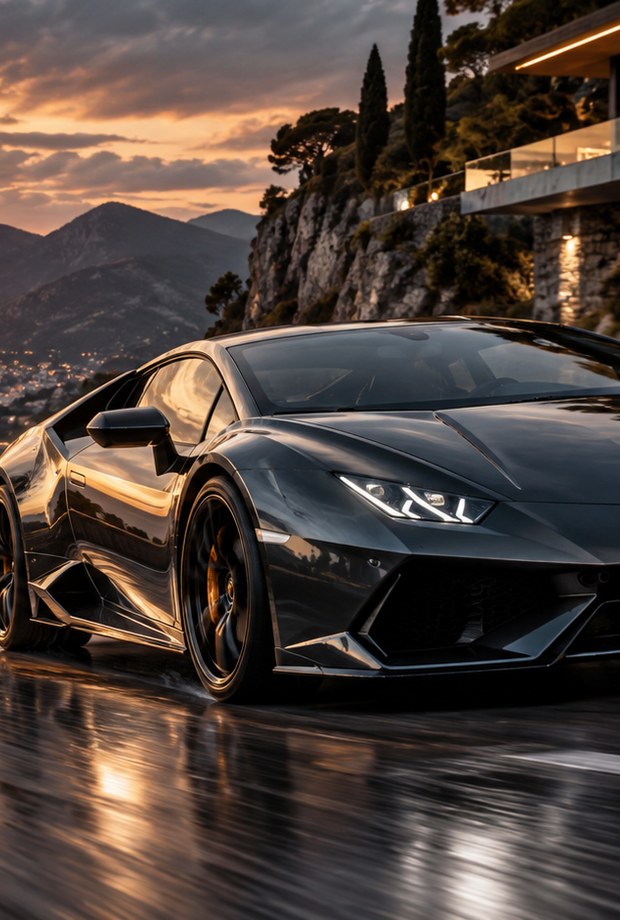
Sport & motionMOTION
Sport & motionmotion • kage
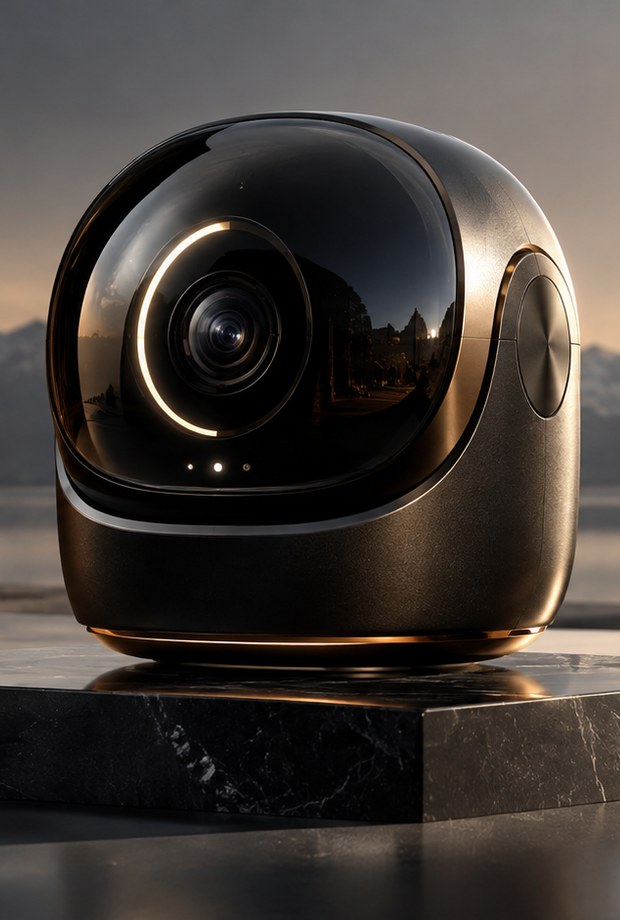
Tech conceptTECH
Tech concepttech • kage
Interior sceneWEB
Interior scenescene • kage
KAGE AI · CLOSED BETA

See how it works.
Try it before launch.

KAGE AI is in development. We are inviting the first group of users to test the product on real tasks before the public release.

The first group is open.
01

Early access

Try KAGE AI before the public release.

02

Higher limits

More room for real working scenarios during testing.

03

Launch bonuses

We plan additional benefits for active beta testers.

04

Shape the product

Feedback from the first group helps set Studio priorities.

What we plan to open in the first beta

Some modes may roll out gradually as they become ready to test.

KAGE AutoSolutionsProductionManualProjects & contextImage / Video / Web / AudioChat & Code
07 / SHADOWS

Value follows you.

Shadows are KAGE’s bonus system. Earn them through payments and referrals, then use them for subscriptions and extra limits.

01
Cashback on payments

Part of your KAGE spend returns to your balance as Shadows.

02
Referral system

Invite friends and earn additional Shadows from their activity.

03
Pay inside KAGE

Use accumulated Shadows for subscriptions and extra-limit packs.

FAQ

Understand it.
In one minute.

Short answers about KAGE AI, its modes and the closed beta.

KAGE
What is KAGE AI?
KAGE AI is a unified AI workspace. Start from a task, let KAGE Auto suggest a route, or switch to manual control while keeping related assets in one project.
What does KAGE Auto do?
It removes the need to compare dozens of models manually: you describe the task and KAGE suggests a compatible route, model and settings.
Can I choose the model myself?
Yes. Auto is optional. Manual modes let you choose a compatible model and available parameters yourself.
What does “one context” mean?
Related files, history and outputs stay attached to the project, so you do not rebuild the context every time you switch modes.
What is available now?
KAGE AI is in closed beta. Models and modes may be enabled gradually as the product is tested.